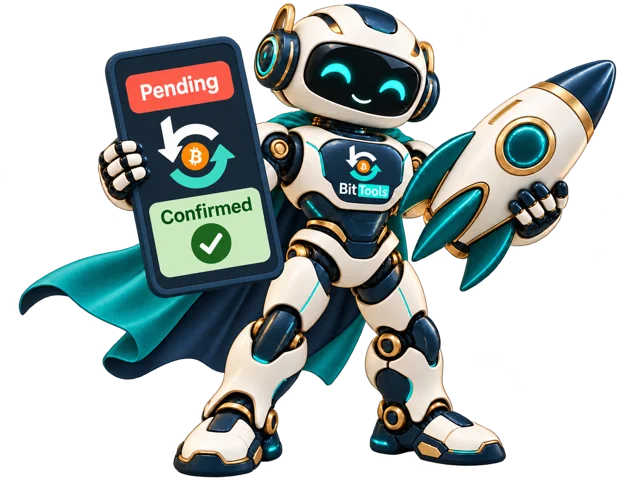













Follow the transaction through confirmation
Keep your TXID and payment reference after submitting to BitTools. Enable confirmation alerts where supported and check your transaction status. For paid priority processing, our team aims for confirmation as quickly as possible, typically targeting around 30 minutes when the transaction and network conditions allow. Contact support if your transaction is delayed.
You submitted the TXID and received a response. The next step is to check what that response actually confirms. A service acknowledging a request is different from a miner including the payment in a block.
Keep the request result
Save the TXID, chosen route, submission time and any order or request reference. If you selected an optional paid service, keep its payment reference as well. These details help distinguish a processing question from a network confirmation question.
Track the blockchain status
Check the transaction’s current confirmation count using a reputable Bitcoin explorer or the transaction-status tool. A pending transaction remains unconfirmed until it is included in a block. After that first inclusion, later blocks add further confirmations.
The receiving service may require more than one confirmation. If the blockchain shows confirmation but the deposit is not credited, check that service’s policy before assuming acceleration failed.
Understand what a rebroadcast can change
A rebroadcast distributes the same transaction again. Its original fee is unchanged. If the fee remains below competing transactions, network visibility may improve while the confirmation wait continues. Repeatedly submitting the same hash does not create extra block space.
If the sending wallet replaced the payment, follow the replacement TXID. Continuing to monitor the old hash can make a completed fee bump look like a transaction that disappeared.
Review wallet options if the payment stays pending
Look for an available RBF fee bump or a suitable CPFP output. If the payment came from an exchange, ask whether its support team can change the withdrawal fee or investigate the broadcast. Do not sign unfamiliar transactions or give anyone remote access to your wallet simply because they promise faster confirmation.
Send support a useful summary
- The public TXID and network used.
- The service selected and approximate submission time.
- The exact status or error message displayed.
- An order or payment reference for a paid request.
- Whether the transaction was replaced or has confirmed since the request.
Remove unrelated personal information from screenshots, and never include private keys or recovery words. If you need to compare the available service routes again, check the current transaction status on BitTools before placing another request.
Use the BitTools Bitcoin accelerator or contact our team for help choosing an available route.
Found this helpful?
( 0 out of 0 found helpful )